

How the key is protected
Privy never stores a complete private key anywhere. Keys are protected with a combination of Shamir’s Secret Sharing and trusted execution environments (TEEs):1
The key is sharded
The private key is split into multiple shares using Shamir’s Secret Sharing. Individual shares are useless on their own — no single share (and no single party) can reconstruct the key.
2
Shares are distributed across isolated systems
Shares are end-to-end encrypted and stored across fully segregated services: the user’s authenticated session/device and Privy’s infrastructure.
3
The key is reassembled only inside a TEE
Signing happens inside a hardware-isolated trusted execution environment. The reconstituted key exists only transiently, in an environment with built-in attestation, and only after the user has authenticated.
Exit hatch: key export
The wallet is not locked into HEVN or Privy. At any time, the user can export the private key through Privy’s export flow — the key is assembled on a separate origin, so neither HEVN nor Privy sees it during export — and load it into any standard wallet (MetaMask, Rabby, etc.). Since that key is the owner of the Base smart wallet, the exported key controls the funds with ordinary Ethereum tooling, with no dependency on HEVN or Privy being online or in business.Deterministic: one email, one wallet
The Privy wallet is bound to the user’s email identity, and the mapping is stable and deterministic — the same email always resolves to the same wallet. Wallet activation and email → address resolution run through a dedicated, change-frozen microservice that signs its responses, so the resolution logic cannot be silently altered by a backend deploy. Combined with the deterministic smart-wallet address derived from it, this means HEVN can know the final wallet address of any email in advance, which is what makes sending money by email non-custodial and safe.Access = email access
The only way to unlock the wallet is to complete Privy authentication as the owner of the email:- Email OTP — prove you can read the inbox.
- Google OAuth — prove you control the Google account, if that’s how you signed up.
Wallet MFA: passkeys and OTP
On top of email authentication, Privy supports multi-factor authentication for the wallet itself. Once a user enrolls, every action that touches the wallet’s private key requires a second factor — signing messages, sending transactions, exporting the key, and recovering the wallet on a new device.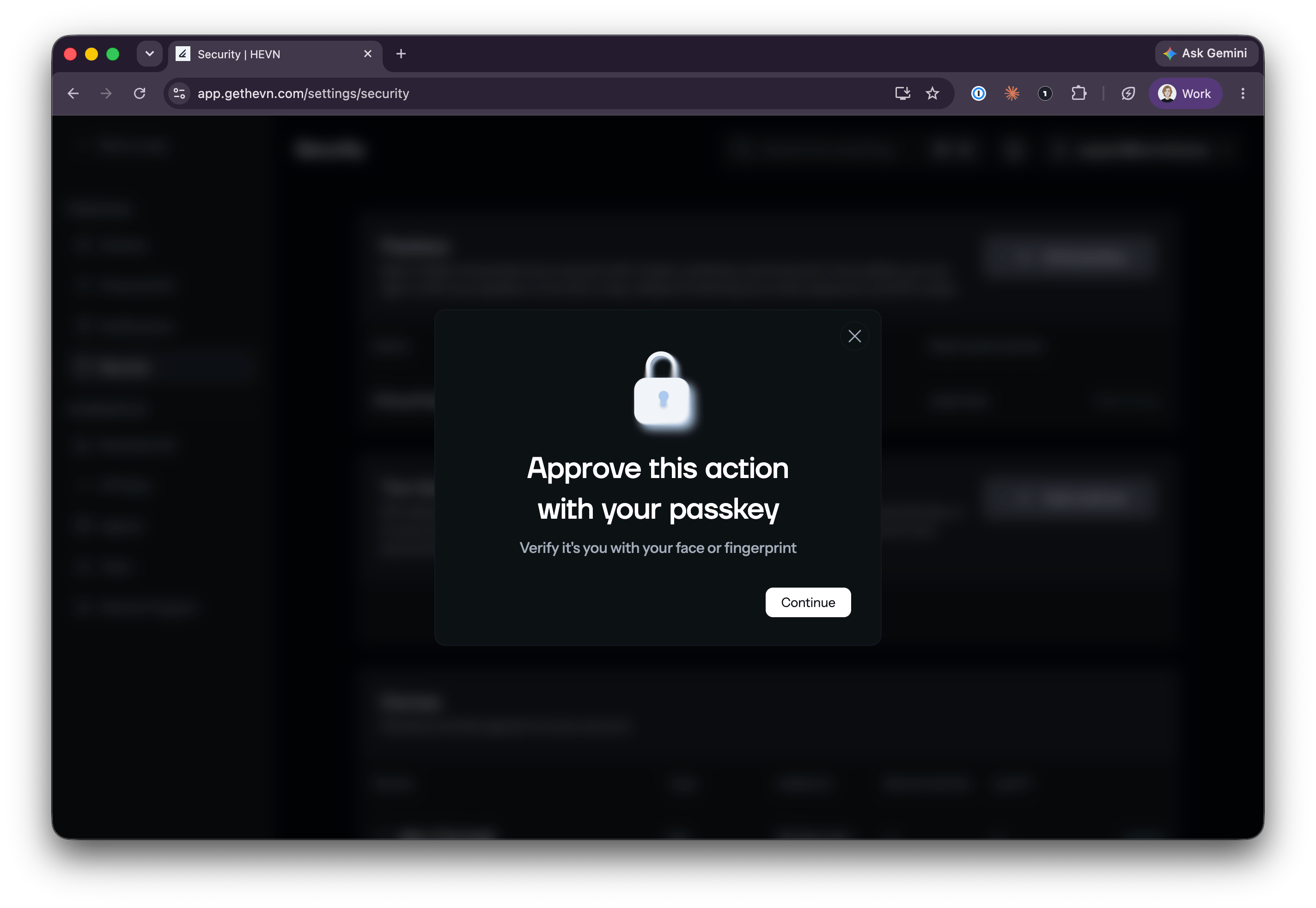
Every key operation prompts for the second factor — here, a passkey verified with Face ID / Touch ID
Factors are enrolled and managed in the app’s Security settings — passkeys, 2FA methods, and the list of signed-in devices:
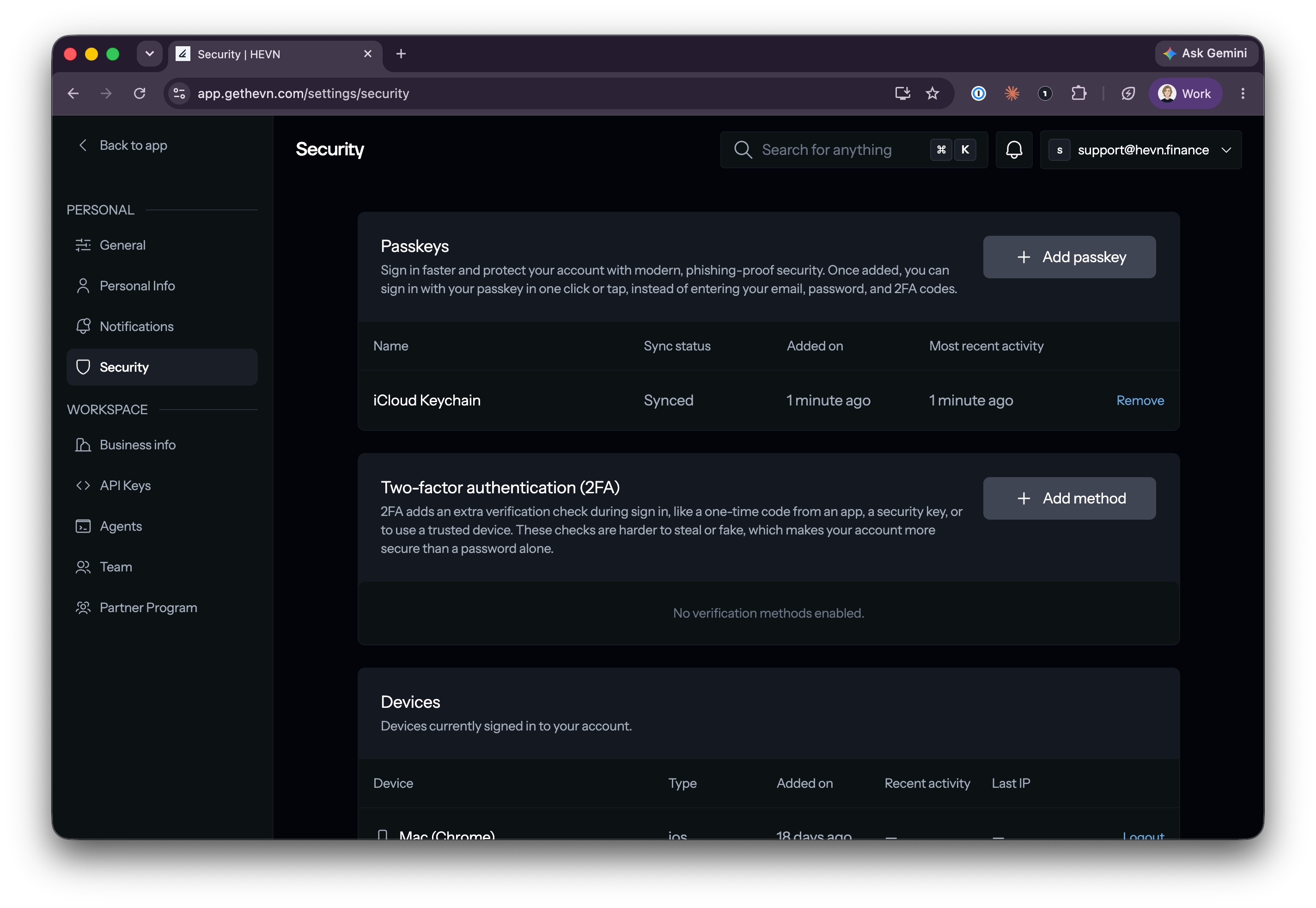
Security settings: enrolled passkeys, additional 2FA methods, and active devices
Why enable it
MFA directly addresses the main residual risk in the security model: a compromised email account. Without MFA, whoever controls your inbox can unlock the wallet. With MFA enrolled, email access alone is not enough — the attacker would also need your passkey device or authenticator secret to produce a single signature.MFA is enforced by Privy’s key layer, inside the same TEE flow that reassembles key shares — not by HEVN. HEVN cannot bypass, disable, or intercept the second factor.
HEVN authentication (getting a platform JWT) and wallet access are separate things. A leaked HEVN JWT lets an attacker read and edit platform metadata, but it can never produce a wallet signature and therefore can never move funds. See Authentication.